What is BIMI?
BIMI = Brand Indicators for Message Identification
SPF, DKIM and DMARC are the email authentication parameters for protecting emails from being spoofed. But, the reality is the average email users is not aware of these authentication frameworks. You can’t expect them to read the email headers to identify the source IP and what all authentications are failing. It’s important to give users some more visual representation to identify spam at early stage.
BIMI is an emerging e-mail standard. It is therefore still undergoing updates and modifications
Activation of BIMI is done through your domain provider
BIMI, along with DMARC, will enhance the email security layer for many sensitive business units like banks, payment gateways, social media platforms, donation platforms and online retailers.
BIMI uses Verified Mark Certificates (VMC) to verify ownership of brand logos.
To summarize:
- It enforces strict authentication frameworks
- No impersonation of sending domain possible
- Helps prevent spoofing and phishing attacks
- Make messages and Brand stand out
Today, the BIMI standard requires your logo to be a registered trademark to obtain a VMC. However, the standard has been expanded to include logos that have not been registered as a trademark.
Note: To display BIMI logos in the Gmail inbox, email senders must have a VMC.

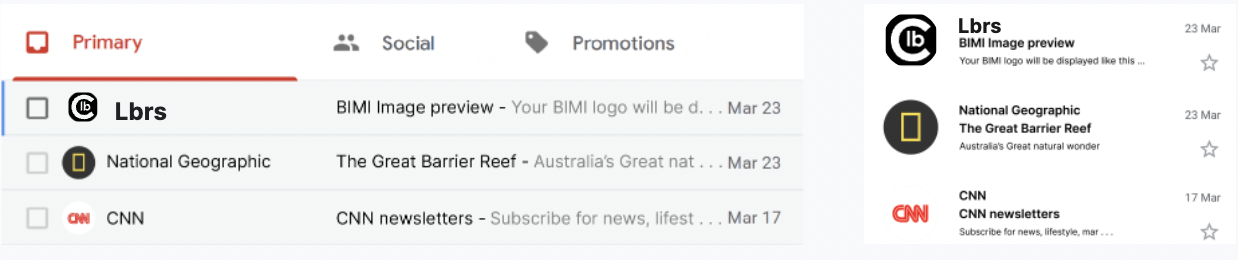
This time, it is not a matter of adding a technical element invisible to the user but, on the contrary, to make the logo (square, SVG) of an entity appear in compatible email clients if a message is considered valid. The URL is specified in a DNS record.
For example at Paypal, with the following dnsrecon request, we look at the bimi record and analyse the SVG attached: Note that the pem file url is referenced in the Url (VMC)


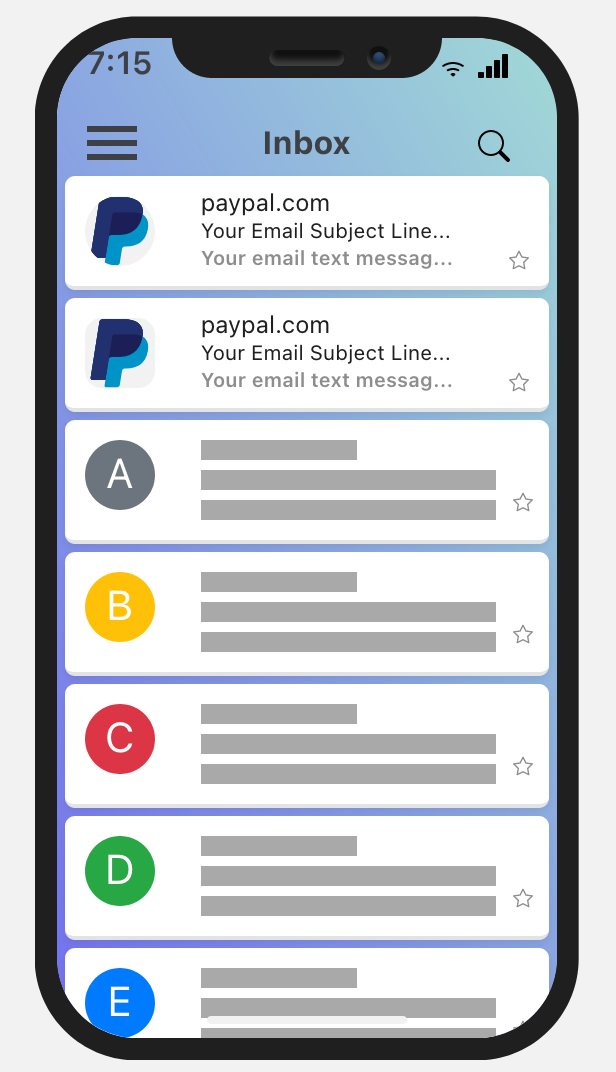
A standard being finished, already being implemented here or there. It must be completed by the creation of Mark Verifying Authority (MVA) issuing certificates (VMC) to confirm that a logo can be used by a domain, like SSL certificates. Again, to avoid identity theft.
How can i implement BIMI for my domain ?
BIMI works as part of a comprehensive solution relying on other email authentication technologies that include SPF, DKIM and DMARC. No email authentication solutions are mandatory at this time, but their use is highly recommended. In order to implement BIMI, you will need to complete the following items:
- Implement DMARC at enforcement (p=quarantine or p=reject)
_dmarc 300 IN TXT "v=DMARC1; p=quarantine; rua=mailto:contact@lbrs.io"
- Generate the appropriate SVG image that meets the standard of tiny-PS (Portable Secure)
<?xml version="1.0" encoding="utf-8"?>
<!-- Generator: Adobe Illustrator 26.3.1, SVG Export Plug-In . SVG Version: 6.00 Build 0) -->
<svg version="1.2" baseProfile="tiny-ps" id="Layer_1" xmlns="http://www.w3.org/2000/svg" xmlns:xlink="http://www.w3.org/1999/xlink"
viewBox="0 0 32 32" xml:space="preserve"><title>cdrc lbrs</title>
-
Acquire a VMC for your logo (currently optional/not available to non-Gmail Pilot participants)
-
Implement the required DNS records for BIMI
default._bimi 300 IN TXT "v=BIMI1;l=https://lbrs.blob.core.windows.net/lbrsweb/BIMI.svg;a=self;"
Once you’ve implemented the required DNS configuration your logo will be evaluated by the recipient’s Mailbox provider and when it meets their specific criteria the logo will be shown to the end-user.
Check for BIMI Compliance
Just search for “check BIMI sites”” Mx toolbox does the work pretty well https://mxtoolbox.com/bimi.aspx